One Click Scraping
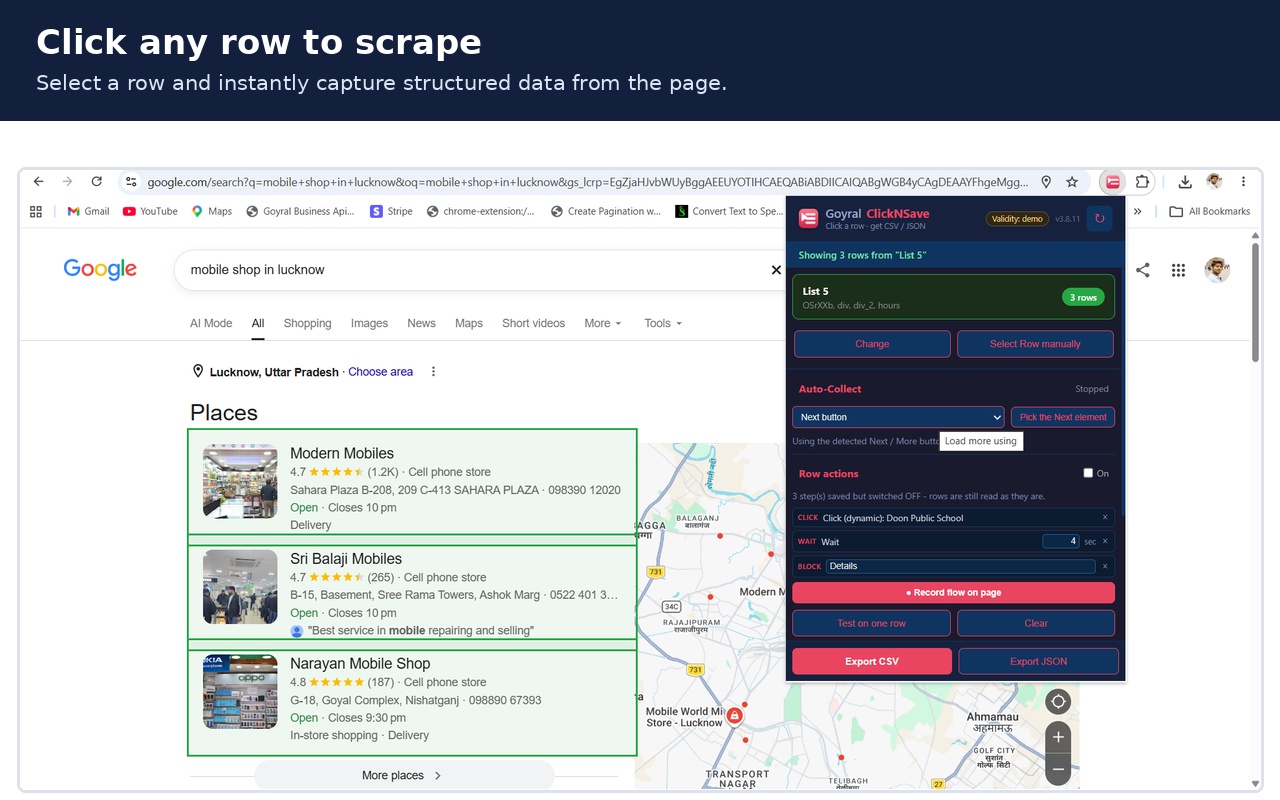
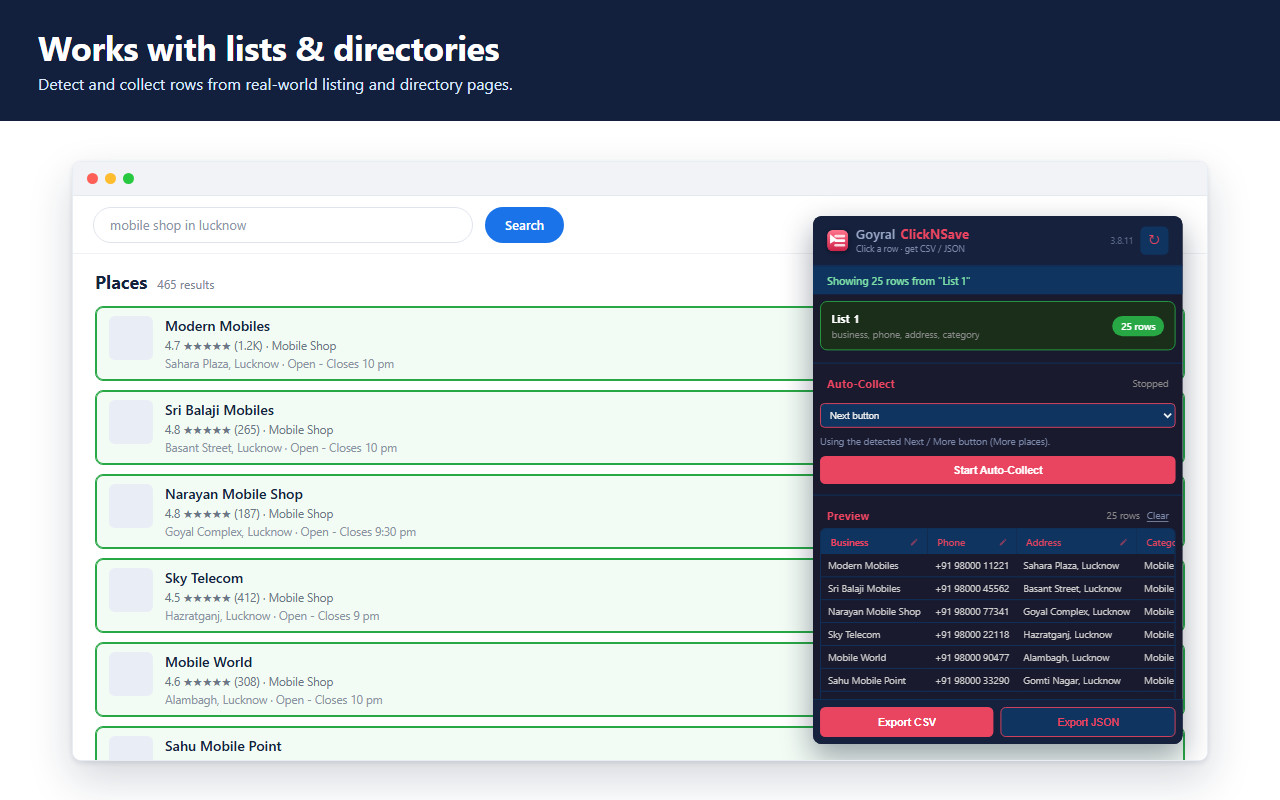
Pick a row once and ClickNSave reads that row on every page - no CSS selectors, no coding.
Tables And Lists
Works on real data tables as well as card lists, directories and search results.
Auto Collect
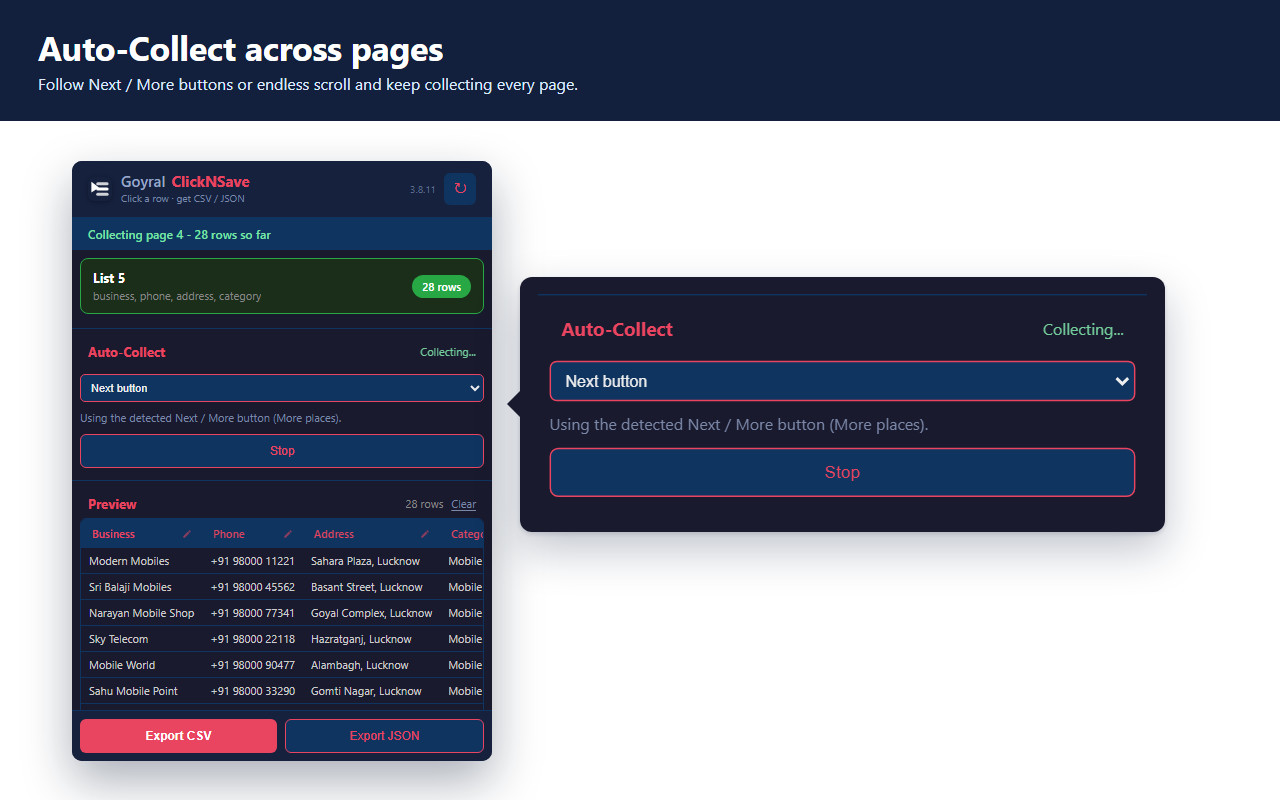
Follows Next / More buttons and endless scrolling, collecting every page for you.
Preview Before Export
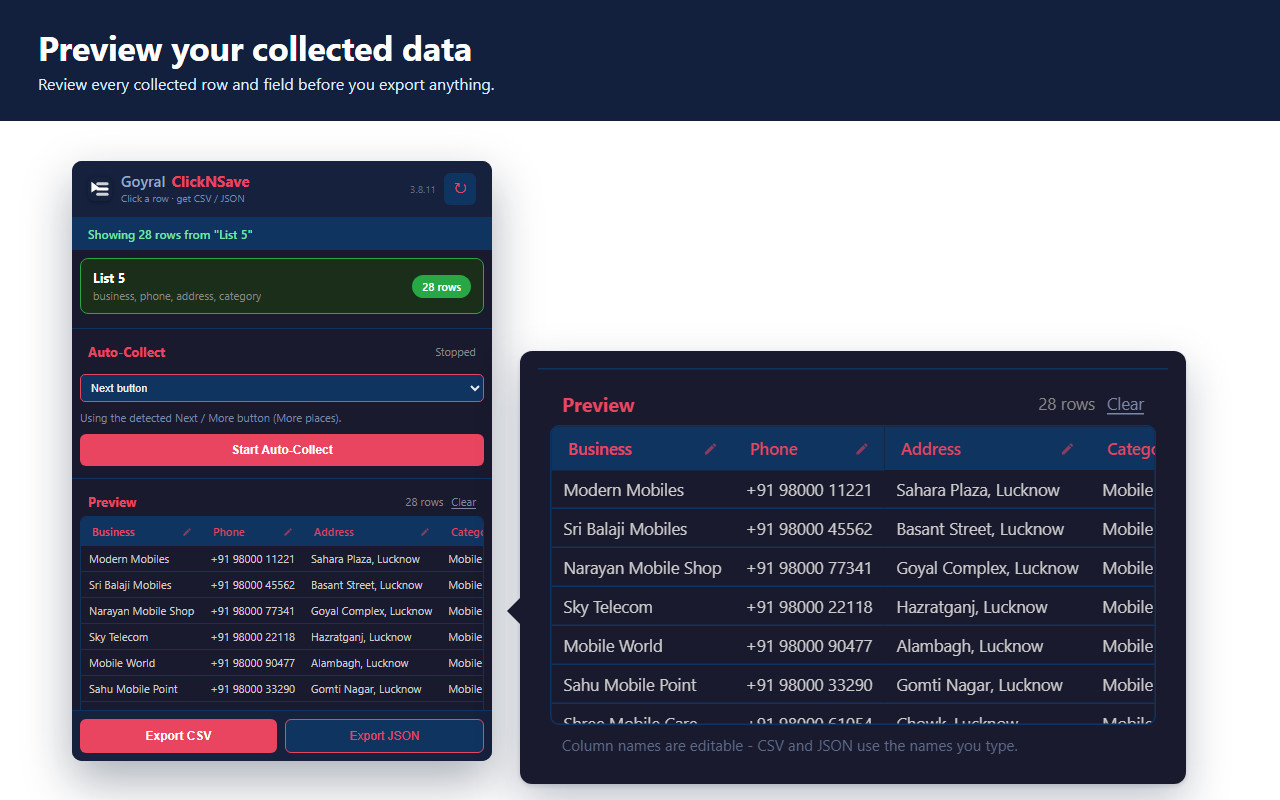
See every collected row in the popup before you save anything to your disk.
CSV And JSON Export
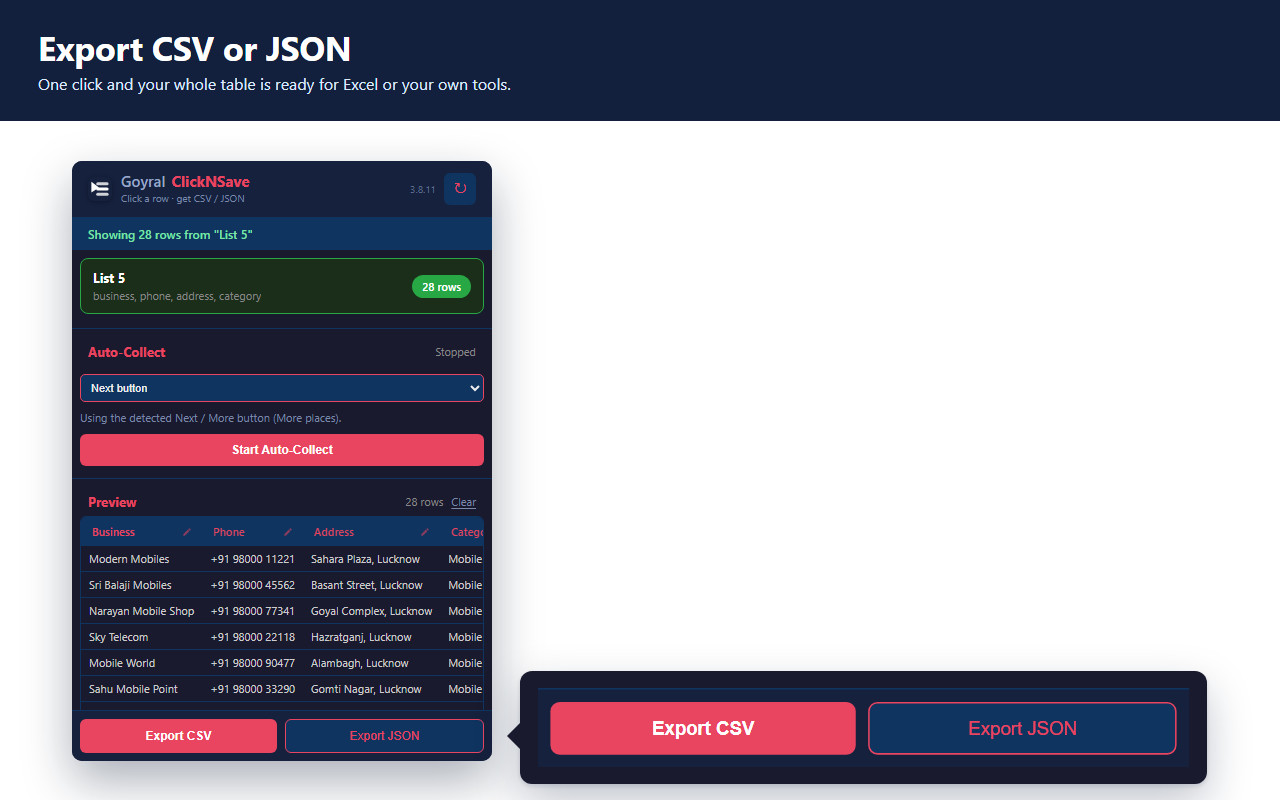
Download the collected data as CSV for Excel or as JSON for your own tools.
No Duplicate Rows
Rows seen on more than one page are recognised and counted only once.
1. Install
Click "Install Free - Add to Chrome" above and add Goyral ClickNSave to your browser. Installing it costs nothing.
2. Open The Page
Go to any website that shows the list or table you want, then click the ClickNSave icon in Chrome and sign in with your mobile number. After Free Trial, a Subscription is needed from here on.
3. Click A Row
Press "Select Row" and click one data row on the page. ClickNSave learns that row and finds its columns.
4. Collect And Export
Press Start to walk through every page automatically, then export everything as CSV or JSON.
Frequently asked questions
➞
Is Goyral ClickNSave free? Downloading and installing the extension is free - no payment information is asked for at download time. Collecting data after trial period needs a subscription.
➞
How do I download it? Press the "Install Free - Add to Chrome" button on this page. It opens the official Chrome Web Store listing, where the "Add to Chrome" button installs the extension straight away.
➞
Do I need an account to download? No. Downloading and installing need no account and no email address. When you start collecting, you sign in once inside the extension with your mobile number and an OTP.
➞
Which browser does it need? Google Chrome, or any Chromium based browser that can install Chrome Web Store extensions. It runs on Windows, Mac and Linux.
➞
Where is my data stored? The rows you collect stay in your browser. Read the
Privacy Policy for the full detail.
➞
Do I need a proxy or a Google API key? No. Goyral ClickNSave works directly in your browser without any API key.
Terms & Conditions
➞
Important: Goyral ClickNSave collects data from pages you yourself open in your browser. Please respect the terms of use of the websites you visit.
➞ We do not take any guarantee of the accuracy of the data collected.
➞ Every website changes its layout from time to time; we publish updates whenever a change breaks collection.
➞ We are not responsible for any illegal activity carried out with the collected data. Please read these terms carefully before use.
➞ Features and terms can change at any time without prior notification.



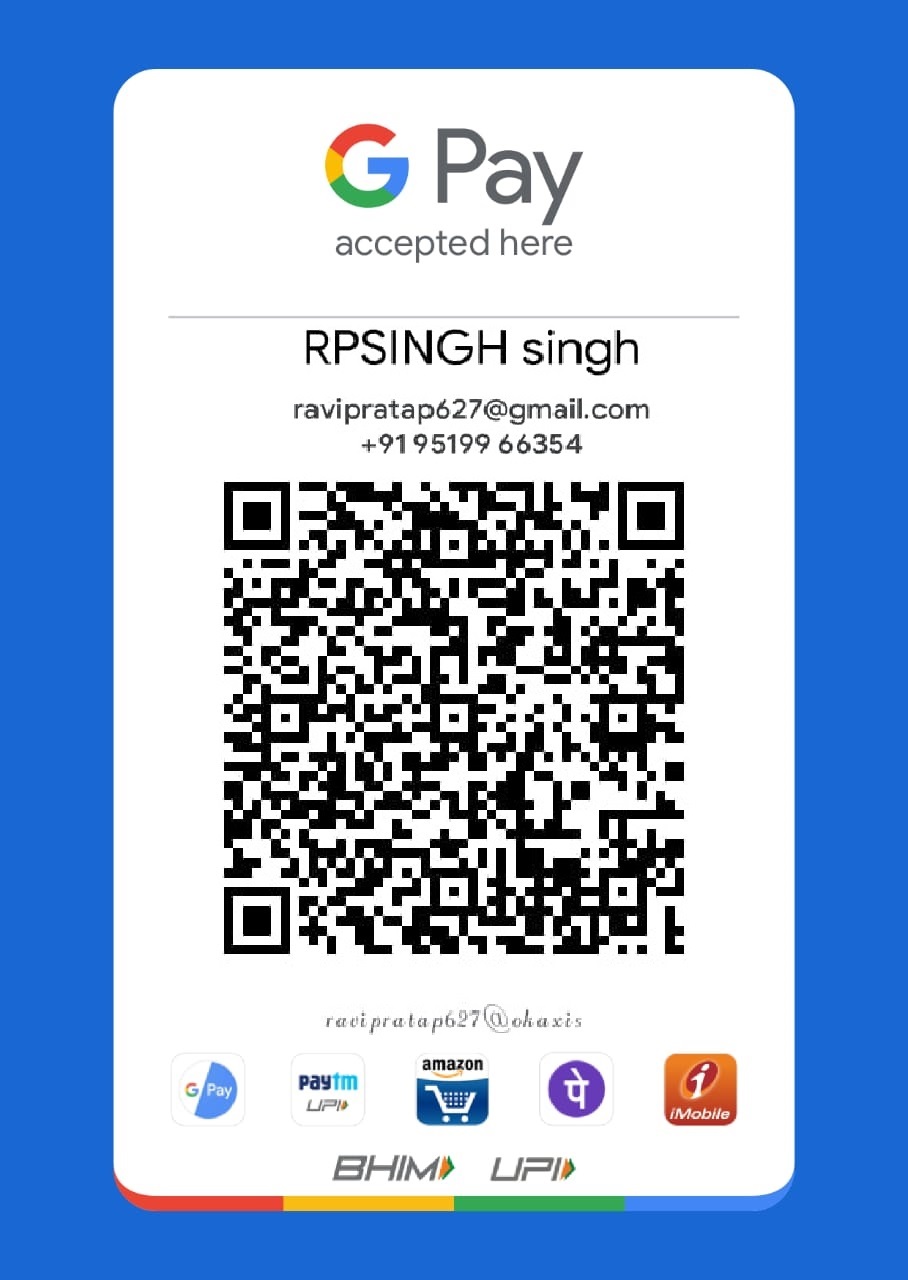 After Successful Payment Send Screenshot on Whatsapp No. 9519966354